
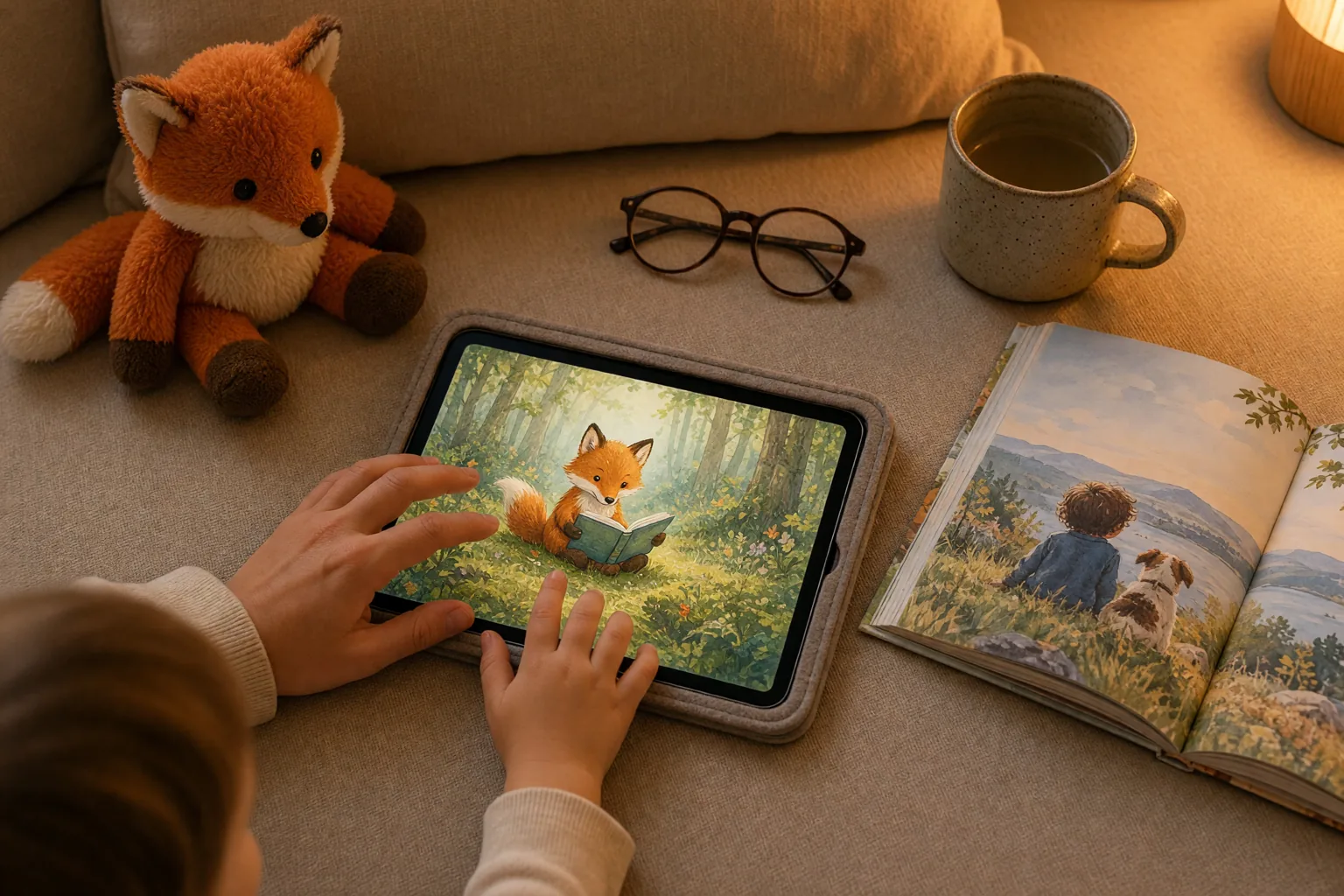
Parent-Controlled Screens: When Can Digital Reading Help Young Children?
When can digital reading help young children? What screen time guidance, e-book research, ad-free design and reading together tell parents, with sources.
For many parents, the word "screen" comes with a small knot of worry, and some of that worry is justified. The World Health Organization sets a clear daily limit on screen time for young children. Research, though, does not treat every screen the same way. A child watching video after video alone, with ads in between, is having a very different experience from a child reading a short picture book next to a parent.
This post asks a narrower question: under what conditions can a digital reading platform do a young child some good? The research points to three. A parent is in charge of the screen, the screen shows no advertising, and the design fits how young children actually learn. When all three are in place, we call it a parent-controlled screen.
Start with the limits
In 2019 the World Health Organization (WHO) published guidelines for children under five. Screen time is not recommended for babies under one or for one-year-olds. For two-year-olds and for children aged three to four, sedentary screen time should be no more than one hour a day, and less is better. The same guidelines encourage one particular activity: when a child is sitting still, reading and storytelling with a caregiver [1].
The American Academy of Pediatrics (AAP) said much the same in its 2016 policy statement. It advises avoiding digital media other than video chatting for children younger than 18 to 24 months. For ages two to five, it recommends no more than one hour a day of high-quality programming, watched together with a parent. It also advises steering clear of fast-paced programs and of apps with lots of distracting content [2].
Both documents cover children under five. In our view the message carries over to older children too: keep it short, choose carefully, and stay close. Nothing in this post is meant to loosen those limits. If a screen is going to be part of your child's day, you still get to decide what kind of screen it is, and the three conditions below are meant to help with that choice.
Condition one: a parent is in charge, and ideally sitting alongside
According to the AAP statement, what helps toddlers learn most from media is a parent watching with them and reteaching the content. The statement recommends shared use between parent and child because it supports learning, increases interaction and makes it easier to set limits [2].
Researchers call this joint media engagement. A 2011 report from the Joan Ganz Cooney Center describes how using media together gives children resources for making sense of what they see. The report also recalls early Sesame Street research, which found that children learned more when parents watched alongside them [3].
Other studies ask whether a screen can stand in for an adult:
- A meta-analysis of 29 studies found that narrated, animated stories gave better results than traditional story materials used without an adult. Compared with sharing a print book with an adult, there was no significant difference [4]. A screen can help when no adult is available; it does not outperform reading with one.
- A second meta-analysis, covering 1,812 children aged one to eight, found that an adult's support while reading a print book was more effective than the extras in digital books that children read on their own [5].
- In a lab study of 37 parents and toddlers, parents talked less about the story and more about the device when reading an electronic book. Toddlers talked less too, and the pair collaborated less. The researchers suggest that pediatricians keep promoting shared reading of print books, especially for toddlers and younger children [6].
The practical takeaway is that a digital book belongs next to print books, not in their place. When you read on a screen together, it takes a little deliberate effort to keep the conversation about the story rather than the tablet.
So what does "parent-controlled" mean day to day? An adult decides what opens, when, and for how long. A child cannot tap their way out of the app into a store, the settings or an outside link. And the parent can see what the child read and did.
Condition two: no advertising
A content analysis published in 2019 looked at the most downloaded apps in the "5 and under" category on Google Play. Of the 135 apps reviewed, 129 (95%) contained at least one type of adising. Every free app had ads, and so did 88% of paid apps. Apps labeled "educational" carried ads at about the same rate as the rest. The researchers also noted familiar characters encouraging children to make in-app purchases [7].
This matters because of how young children understand persuasion. A 2004 report by an American Psychological Association (APA) task force found that most children younger than seven or eight do not recognize the persuasive intent of adising, and children under four or five do not consistently tell programs and ads apart. The report recommended restricting television adising during programming seen mainly by children aged eight and under [8]. It was written about television; applying the same question to apps is our own reading. The AAP addresses apps directly. It calls for removing adising from apps, saying that children this young cannot tell ads from factual information and that adising to them is therefore unethical [2].
Regulators in several places have moved in the same direction:
- European Union. Article 28 of the Digital Services Act bars online platforms from showing ads based on profiling of personal data when they know with reasonable certainty that the user is a minor [9]. The ban covers personalised adising, not every ad.
- United Kingdom. The Information Commissioner's Office Age Appropriate Design Code (the Children's Code) came into force in 2020 and sets out 15 standards. Among them, the child's best interests should be a primary consideration in design, privacy settings should be high by default, profiling should be switched off by default, and services should not nudge children into giving unnecessary personal data [10].
- United States. The COPPA Rule requires verifiable parental consent before personal information is collected from children under 13. The Federal Trade Commission updated the rule in 2025 so that parents must separately opt in before a child's data is shared with third parties, for example for adising [11].
- Türkiye. Article 24 of the Regulation on Commercial Advertising and Unfair Commercial Practices says ads may not directly urge children to persuade their parents or others to buy a product, and that ads for distance sales may not invite children directly to buy [12].
Some public broadcasters build their children's apps on similar lines. BBC CBeebies says its apps have no in-app purchases, and one of them has a parental gate so that children do not end up in the app store by accident [13].
Condition three: designed around how young children learn
In 2015, psychologist Kathy Hirsh-Pasek and her colleagues noted that Apple's App Store alone listed 80,000 "educational" apps, most of them unregulated and untested. Drawing on the science of learning, they proposed four pillars. An app can be considered educational when it promotes learning that is active, engaged, meaningful and socially interactive, within a supported learning goal [14].
As a parent, you can turn those pillars into four questions:
- Is my child thinking, or just tapping?
- Does the app keep their attention on the story, or keep pulling it somewhere else?
- Can my child connect what they see to their own life?
- Does it leave room to talk with a person, during or after?
Research on e-books also shows which design choices help. A meta-analysis of 43 studies with 2,147 children found a small but significant extra benefit of technology-enhanced stories for story comprehension and expressive vocabulary. Animated pictures, music and sound effects helped. Hotspots, games and dictionaries placed inside the story were distracting. The pattern was clearest for children from less stimulating home environments [15].
The Furenes meta-analysis points the same way. A print book simply moved onto a screen led to lower comprehension than the paper version. With enhancements that fit the story, digital books did better than paper ones [5].
A useful test for any sound or animation, then, is whether it helps your child follow the story.
What does narration add?
None of the studies we could verify tests audio-only audiobooks. They all look at narrated picture stories.
In one experiment with 60 five-year-olds learning Dutch as a second language, stories that paired the same narration with animated pictures were especially helpful for understanding things the text implies but does not say, such as a character's goals, and for growing vocabulary and sentence structure. Listening repeatedly to the narrated version with still pictures also helped to some extent [16]. The sample was small and specific, so it would be a mistake to generalize from it to all children.
The meta-analysis mentioned earlier also found that narrated multimedia stories did better than traditional materials when no adult was present [4]. Our conclusion is modest: narration can be good support for the moments when a parent cannot read aloud, but it does not replace reading together.
Activities should serve the book
We are not citing any study that measures the effect of coloring, puzzles or seek-and-find games on their own. The findings above still give a yardstick: games placed inside a book's pages tend to interrupt reading [15]. That is why it matters that activities connect to the story and sit apart from it rather than in the middle of the reading. An activity should not exist to keep a child on screen with points, timers or rewards. It works better as a reason to return to the story and talk about it.
A short checklist for parents
When choosing a reading app, it can help to ask:
- Do I decide how long it lasts, or does the app keep queuing up the next thing?
- Are there ads, purchase buttons or outside links on screen?
- Can my child leave the app and go elsewhere without my permission?
- Do the sounds and movements tell the story, or pull attention away from it?
- Can I see what my child read and did?
- Is there something left to talk about together afterwards?
How Story Globally approaches these conditions
Story Globally is a platform for children aged 3 to 8 that brings together picture books and activities linked to each book. Here is what we can say today about the conditions above:
- No ads. The Kids Studio has no ads and no purchase screens, and no measurement or analytics tools run there.
- Parental control. When a parent sets a PIN, leaving the Kids Studio, the settings and outside links are protected by it. Parents choose content by age and can see what their child did in the "What did they do?" section.
- Activities tied to the story. Each collection comes with the reading book plus coloring, puzzles and seek & find as separate activities. The story activities that grow out of each book have no points, timers or races.
- Read-aloud. Some books include read-aloud narration; the collection card shows which ones.
- Children's data. Child profiles use a nickname. We do not ask children for an email address, date of birth or photo.
None of this replaces the screen time guidance above; you still decide how long and whether you sit alongside. You can try Story Globally's free collections with your child, without creating an account.
References
- World Health Organization (2019). Guidelines on physical activity, sedentary behaviour and sleep for children under 5 years of age. Geneva: WHO. ISBN 9789241550536. https://iris.who.int/handle/10665/311664 · News release (24 April 2019): https://www.who.int/news/item/24-04-2019-to-grow-up-healthy-children-need-to-sit-less-and-play-more
- AAP Council on Communications and Media (2016). Media and Young Minds. Pediatrics, 138(5), e20162591. https://doi.org/10.1542/peds.2016-2591
- Takeuchi, L. & Stevens, R. (2011). The New Coviewing: Designing for Learning through Joint Media Engagement. New York: The Joan Ganz Cooney Center at Sesame Workshop. https://joanganzcooneycenter.org/publication/the-new-coviewing-designing-for-learning-through-joint-media-engagement/
- Takacs, Z. K., Swart, E. K. & Bus, A. G. (2014). Can the computer replace the adult for storybook reading? A meta-analysis on the effects of multimedia stories as compared to sharing print stories with an adult. Frontiers in Psychology, 5, 1366. https://doi.org/10.3389/fpsyg.2014.01366
- Furenes, M. I., Kucirkova, N. & Bus, A. G. (2021). A comparison of children's reading on paper versus screen: A meta-analysis. Review of Educational Research, 91(4), 483–517. https://doi.org/10.3102/0034654321998074
- Munzer, T. G., Miller, A. L., Weeks, H. M., Kaciroti, N. & Radesky, J. (2019). Differences in parent-toddler interactions with electronic versus print books. Pediatrics, 143(4), e20182012. https://doi.org/10.1542/peds.2018-2012
- Meyer, M., Adkins, V., Yuan, N., Weeks, H. M., Chang, Y. J. & Radesky, J. (2019). Advertising in young children's apps: A content analysis. Journal of Developmental & Behavioral Pediatrics, 40(1), 32–39. https://doi.org/10.1097/DBP.0000000000000622
- Wilcox, B. L., Kunkel, D., Cantor, J., Dowrick, P., Linn, S. & Palmer, E. (2004). Report of the APA Task Force on Advertising and Children. Washington, DC: American Psychological Association. https://www.apa.org/pubs/reports/advertising-children
- European Parliament and Council (2022). Digital Services Act, Regulation (EU) 2022/2065, Article 28. https://eur-lex.europa.eu/eli/reg/2022/2065/oj/eng
- Information Commissioner's Office (2020). Age appropriate design: a code of practice for online services (Children's Code). https://ico.org.uk/for-organisations/uk-gdpr-guidance-and-resources/childrens-information/childrens-code-guidance-and-resources/age-appropriate-design-a-code-of-practice-for-online-services/code-standards/
- Federal Trade Commission (2025, 16 January). FTC finalizes changes to children's privacy rule limiting companies' ability to monetize kids' data. https://www.ftc.gov/news-events/news/press-releases/2025/01/ftc-finalizes-changes-childrens-privacy-rule-limiting-companies-ability-monetize-kids-data
- Ticari Reklam ve Haksız Ticari Uygulamalar Yönetmeliği [Regulation on Commercial Advertising and Unfair Commercial Practices], Article 24. Official Gazette of Türkiye, 10 January 2015, No. 29232. https://www.resmigazete.gov.tr/eskiler/2015/01/20150110-5.htm
- BBC CBeebies. Frequently asked questions. Accessed 18 October 2026. https://www.bbc.co.uk/cbeebies/grownups/faqs
- Hirsh-Pasek, K., Zosh, J. M., Golinkoff, R. M., Gray, J. H., Robb, M. B. & Kaufman, J. (2015). Putting education in "educational" apps: Lessons from the science of learning. Psychological Science in the Public Interest, 16(1), 3–34. https://doi.org/10.1177/1529100615569721
- Takacs, Z. K., Swart, E. K. & Bus, A. G. (2015). Benefits and pitfalls of multimedia and interactive features in technology-enhanced storybooks: A meta-analysis. Review of Educational Research, 85(4), 698–739. https://doi.org/10.3102/0034654314566989
- Verhallen, M. J. A. J., Bus, A. G. & de Jong, M. T. (2006). The promise of multimedia stories for kindergarten children at risk. Journal of Educational Psychology, 98(2), 410–419. https://doi.org/10.1037/0022-0663.98.2.410
Continue the topic with a story
Turn what you read into a story, a coloring page and a short chat with your child.

Carlos and the Box Boat — family set
Children see Carlos choose his torn box over a brand-new bed; they learn to read an animal's feelings from what it does, think about why an old, loved object matters, and discover …
Explore →
Riko and the Cake in the Oven — family set
Children bake a cake with Riko and his dad and notice that waiting is hard; when Riko gets bored, they see him find something to do (drawing a cake, building one from blocks) and k…
Explore →
Riko and the Kite That Waited for the Wind — family set
Children feel sad with Riko when his kite won't fly; they try putting the feeling into words, noticing the reason (no wind) and waiting patiently with Mum, and see Riko say "Come a…
Explore →